Shift clock-in and clock-out
Start a shift from the app and location sharing turns on automatically. End it with a sign-off request that only your fleet manager can approve.
Clock in for your shift, see your assignments the moment they are created, get turn-by-turn directions, and close out deliveries with a photo. No more waiting on a phone call to know what is next.
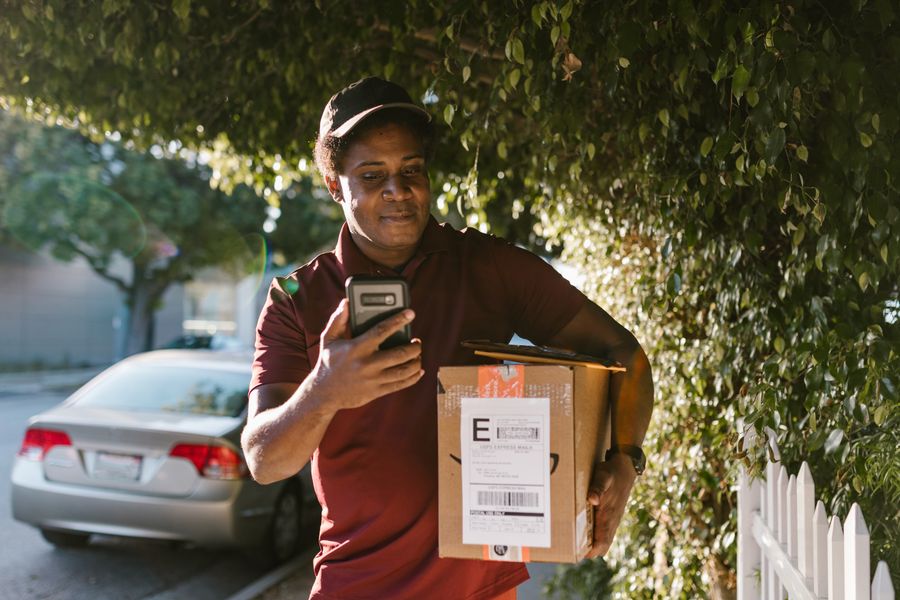
Delivery updates scattered across chats get lost in the noise. The Rider App is built for one purpose: getting you assignments and getting proof of delivery logged correctly.
Start a shift from the app and location sharing turns on automatically. End it with a sign-off request that only your fleet manager can approve.
New deliveries created on the dashboard appear on your phone in seconds, with pickup point, drop-off address, and any notes from dispatch.
Tap an assignment to open turn-by-turn directions straight to the drop-off point, road-snapped so the route matches real streets.
Snap proof of delivery from inside the app. It is timestamped and attached to that exact trip, so there is nothing to dig for later.
Genuine traffic and detours are recognised as such. You are not penalised for a hold-up that was never your fault.
See your completed trips, on-time rate, and shift history in one place, the same numbers your fleet manager sees.
The Rider App is not a separate product bolted on. It reads from and writes to the same fleet data your manager sees on the web dashboard, in real time.
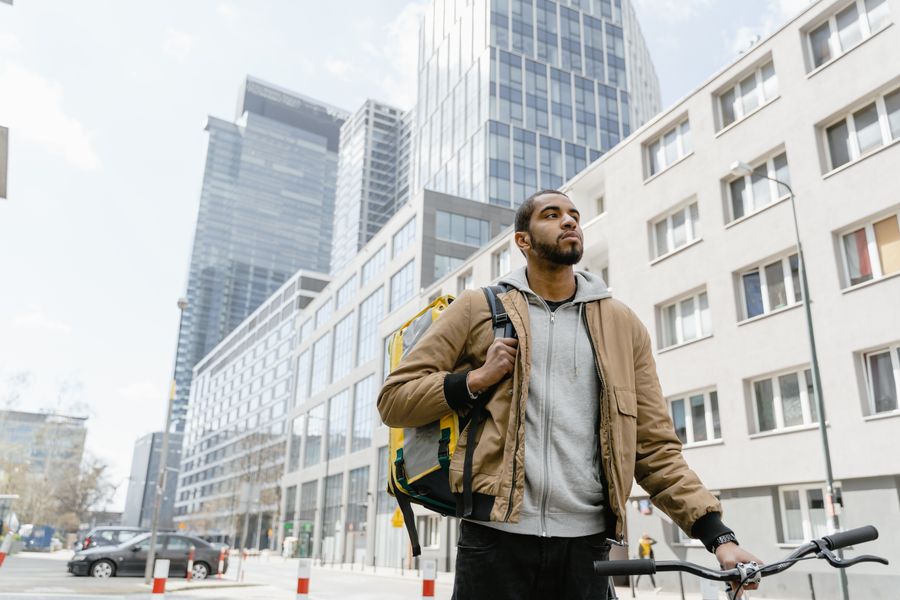
You do not need to be registered on Traxx yourself. Your fleet manager adds you first, then you install the app one time and sign in with the phone number they registered. From then on, opening the app is all it takes to start a shift.
A dispatcher or fleet manager registers you on Traxx first, using the phone number you work with. You cannot self-register.
You will get the link by SMS or WhatsApp once you are added. It opens directly in your phone's browser, no Play Store listing needed yet.
On Android, tap the menu icon in Chrome and choose "Add to Home screen". This installs the Rider App as an icon you can open like any other app, with no separate download needed.
Verify with the OTP sent to your phone. That is the last setup step, every shift after this is just opening the app and tapping "Start Shift".
No. Location sharing only runs while your shift is open. The moment your fleet manager approves your sign-off, tracking stops.
The app keeps working offline for navigation and assignment details. GPS points are stored on your phone and sync back to the dashboard once you are connected again.
Your account is tied to the phone number your fleet manager registered. If you ride for more than one business on Traxx, speak to your dispatcher about switching between them.